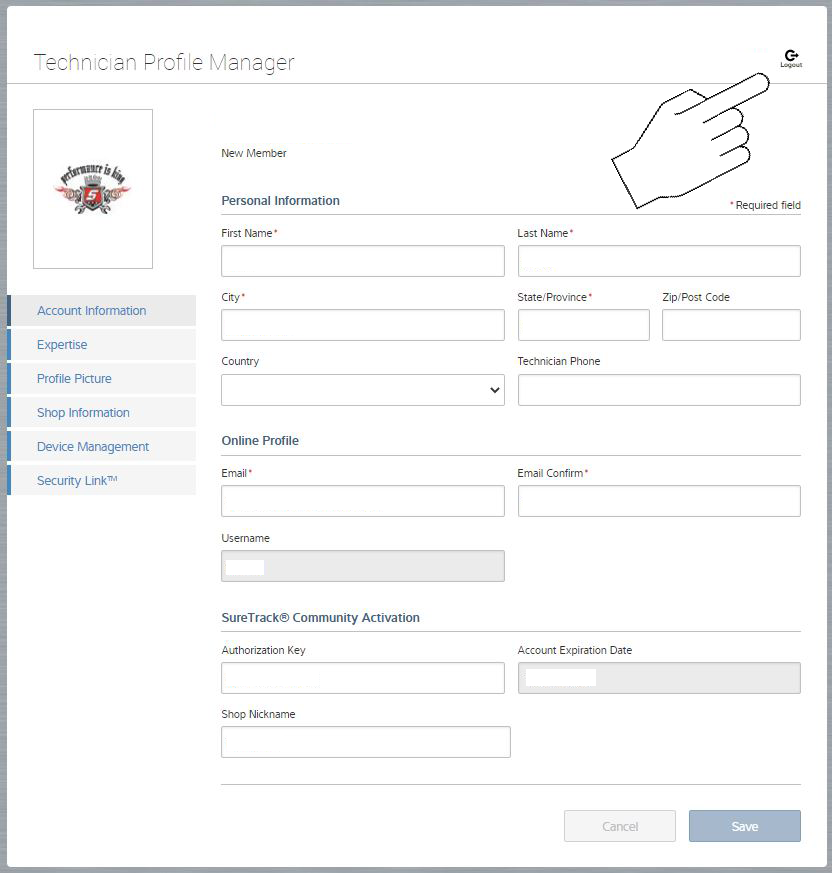
Logging In to Your Technician Profile
If you already have a Technician Profile, follow these instructions to login and manage your information.
Method 1 - Direct Login
Click here to open the Login screen.
Method 2 - Login via ALTUSDRIVE.com
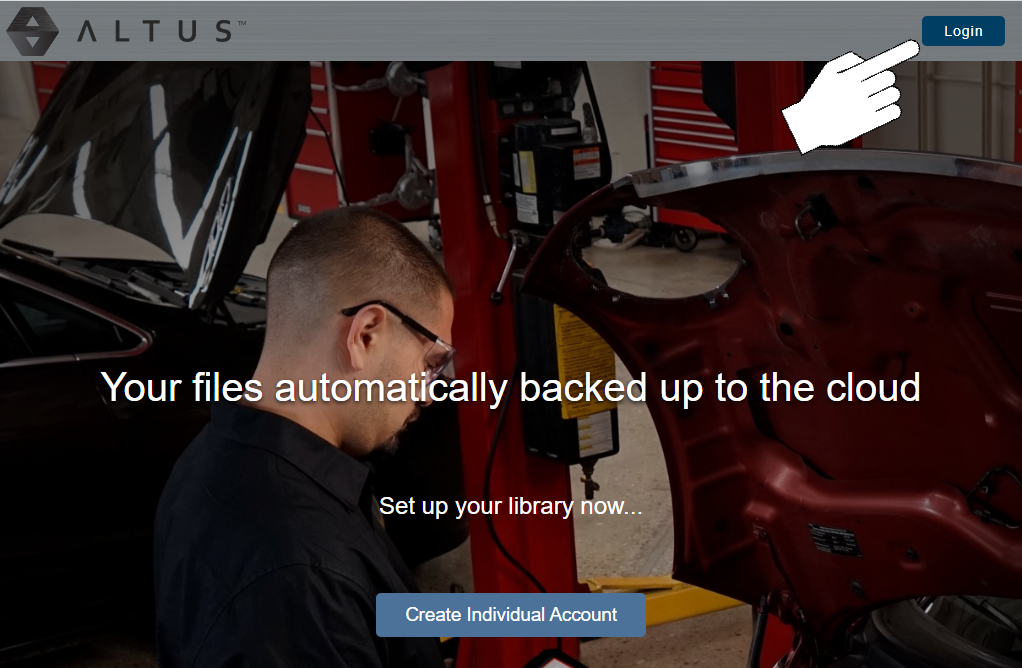
| 1. | Using an Internet connected device visit www.ALTUSDRIVE.com and select the Login icon. |
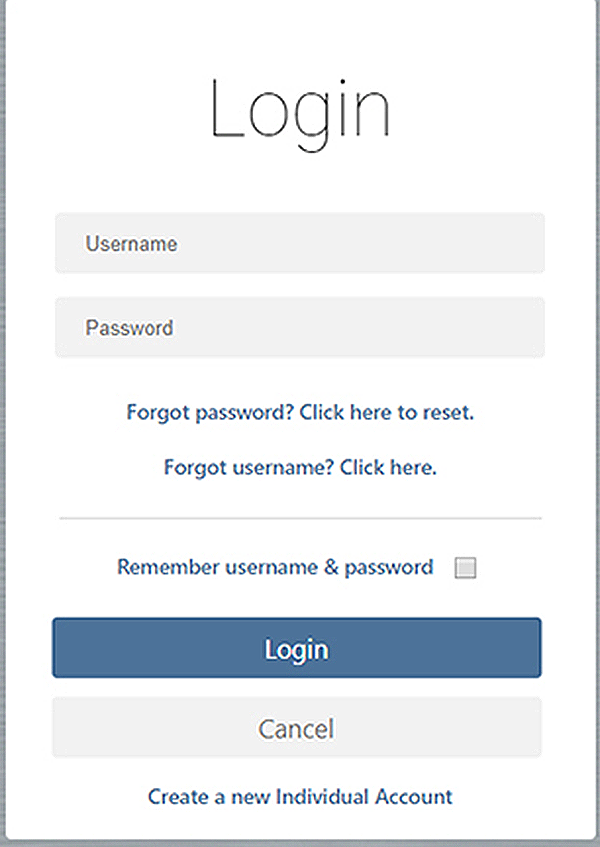
| 2. | Log in using your Username and Password . |
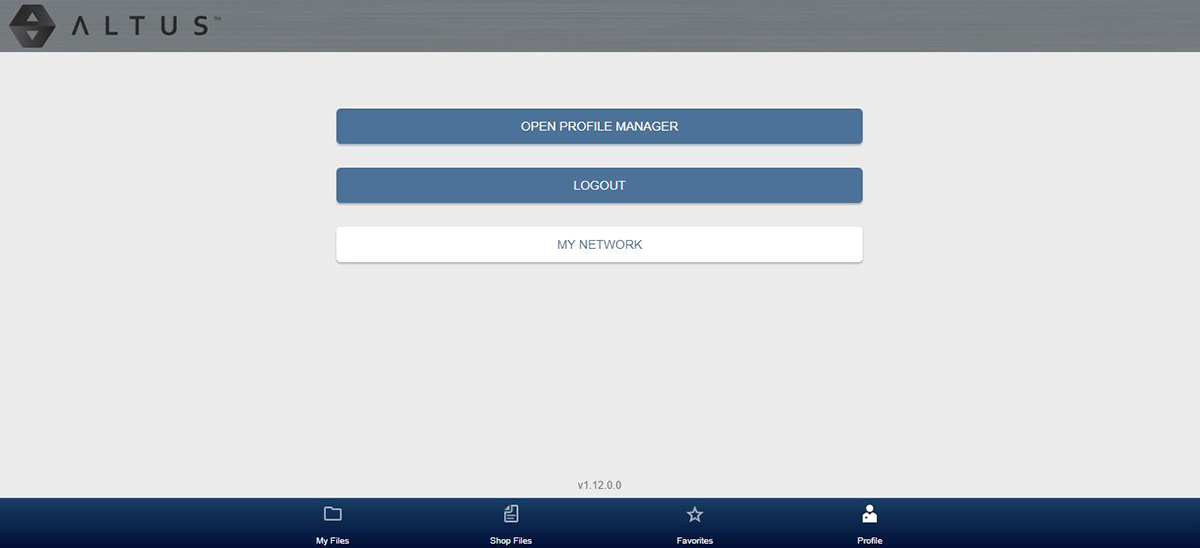
| 3. | Select the Profile icon  on the lower toolbar. on the lower toolbar. |
| 4. | Select Open Profile Manager. |
| 5. | Enter your username and password to log in to Profile Manager. |
| 6. | Choose the desired information tab to edit your information, see Personalize Your Technician Profile. |
Logging Out
Select the logout icon (upper right screen) to log out of your Technician Profile.
You will be logged out completely and a new browser tab will be opened.